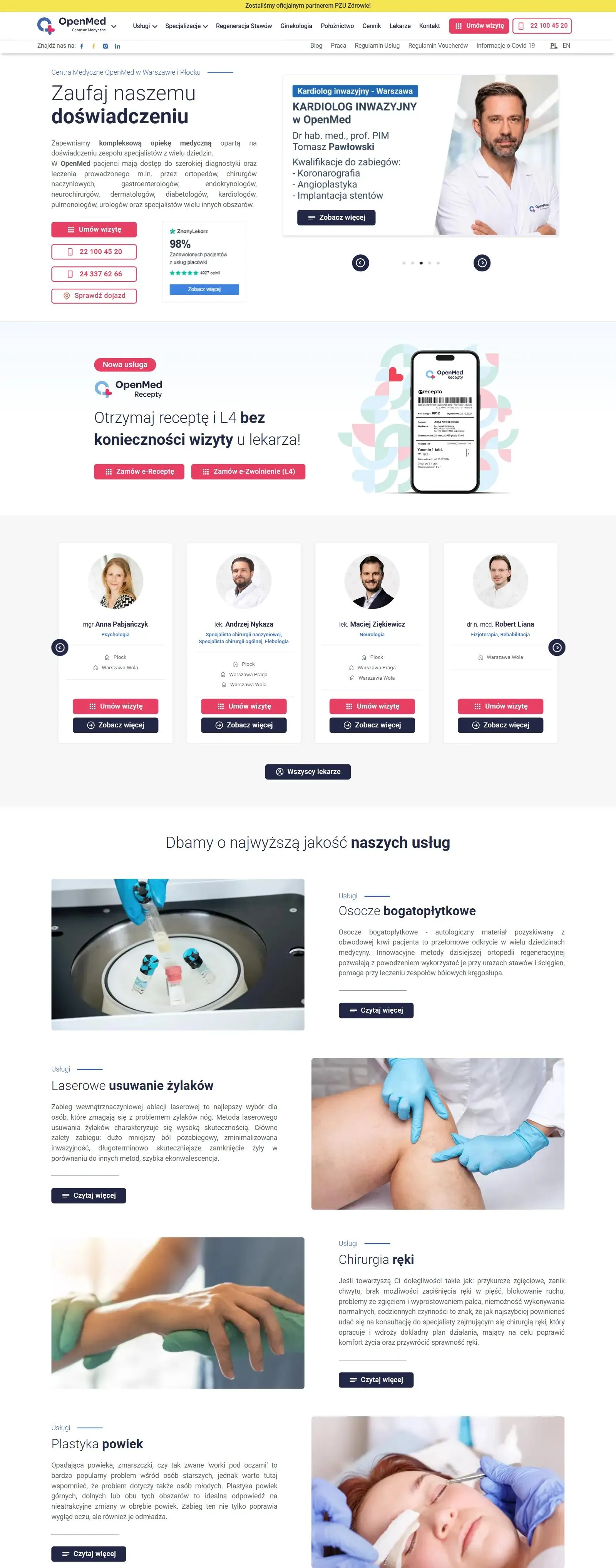
We planned the site around the patient journey: from a Google search to a booked appointment
We started by analyzing OpenMed's business model and how patients land on the site and decide to book. On that basis we prepared a functional design and a technical specification that guided the rest of the work:
- Workshops with the OpenMed team
During the workshops we matched the site's content and language to what patients look for before a visit. - Structure built for booking
We linked the pages so that wherever a patient starts searching, they can go straight to booking. - Visual design and rebranding
We designed a look that matches the standard of OpenMed's services, and later rolled out a brand refresh and a full rebranding on the site. - Architecture ready to grow
From the start we assumed the network's offer would grow and the site would connect to the booking system. That is why we can add every new specialty or module without rebuilding the site.
Patients check the price and book an appointment without calling the front desk
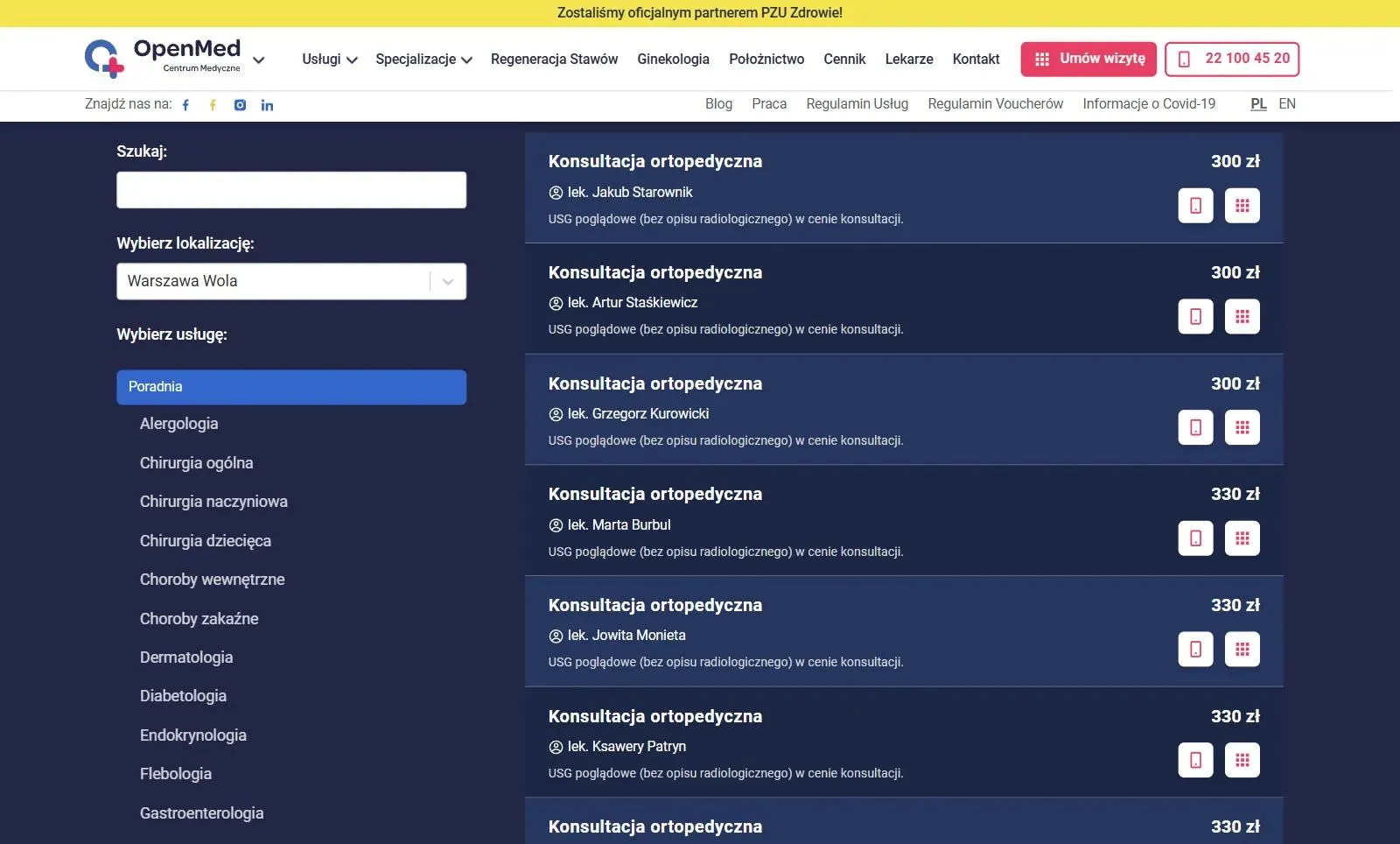
Patients know the price before they book and don't have to ask for it over the phone. The price list shows prices at the selected clinic along with the doctors who provide each service, and patients go straight from the list to booking.
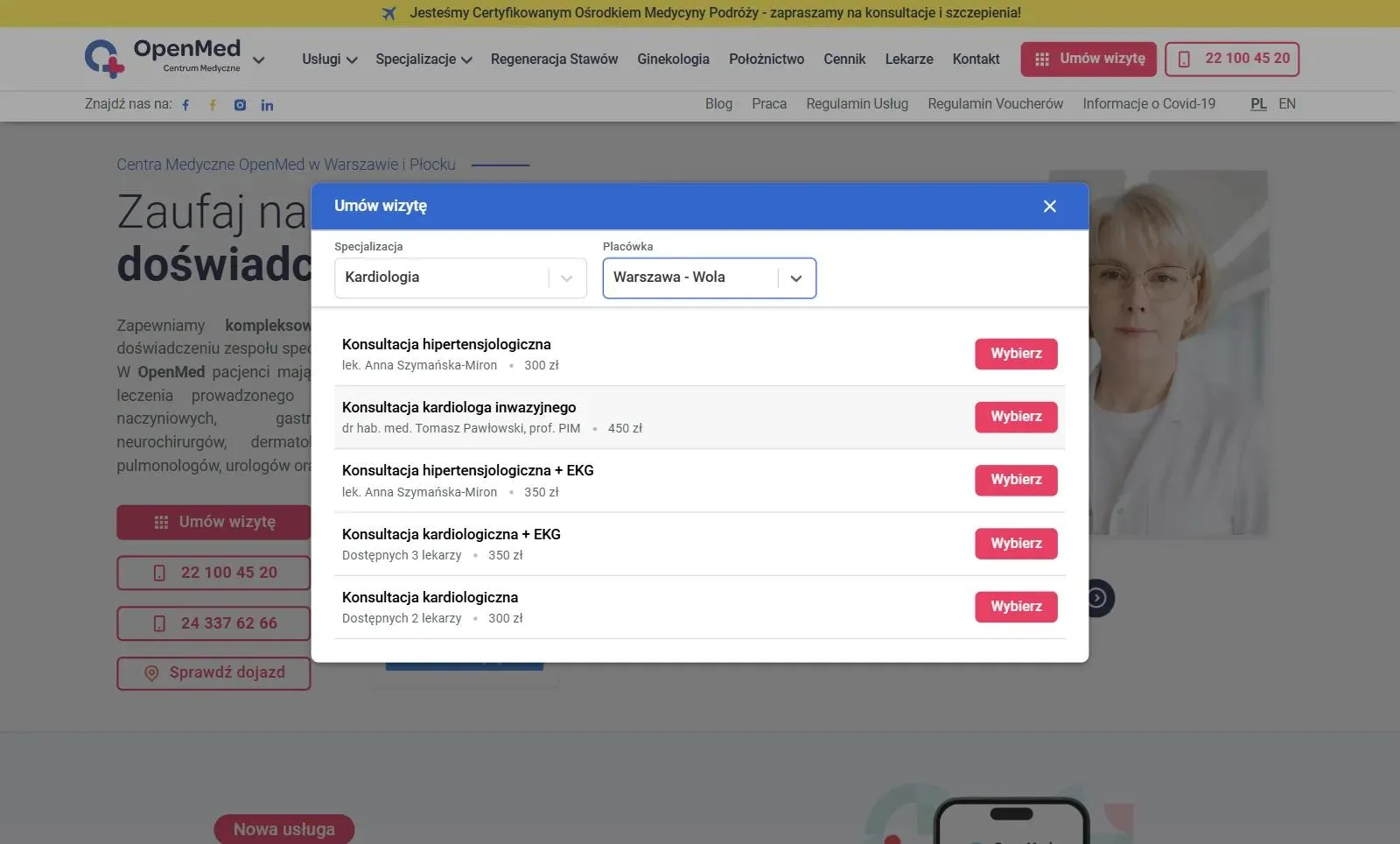
The "Book an appointment" button sits in the header of every page, so patients never have to hunt for where to sign up. The booking window pulls available slots in real time from the clinics' system, so patients only choose from times that are genuinely free.
The team enters a new price or a new doctor only once
The OpenMed team manages the price list and doctor profiles in Medbill, the clinic management app we built for the OpenMed Group. The site pulls its data from there, so a staff member changes a price in one place and doesn't need to ask a developer for fixes. One click on the update button and a new version of the site is published automatically.
Every specialty has a page that answers the patient's questions
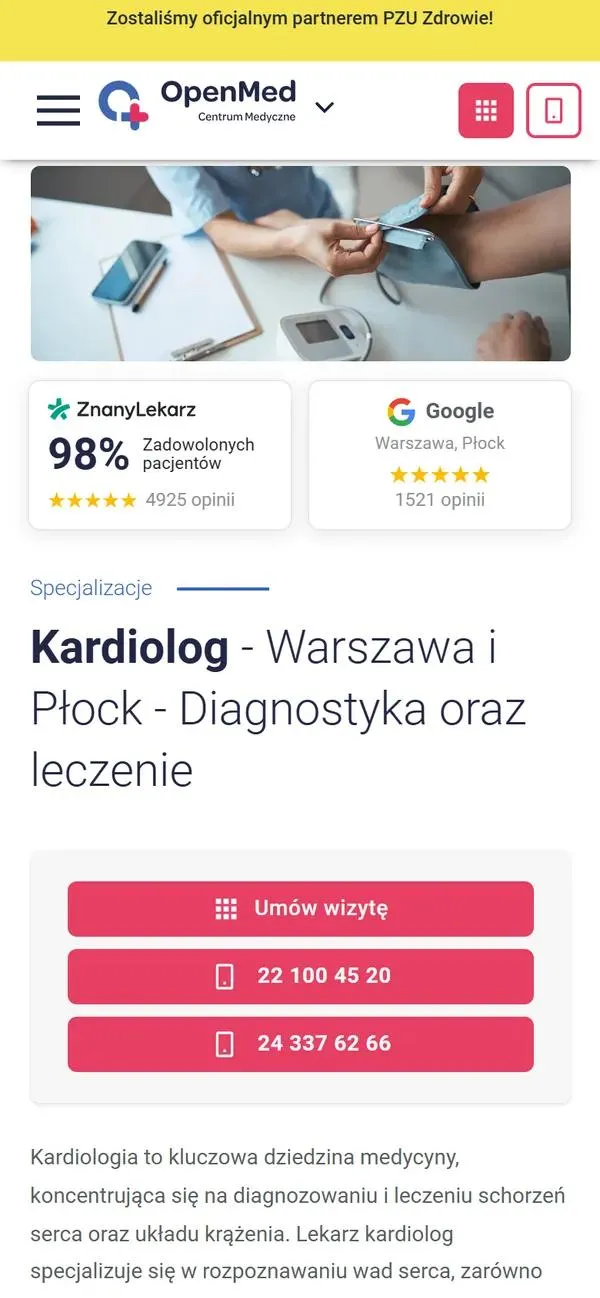
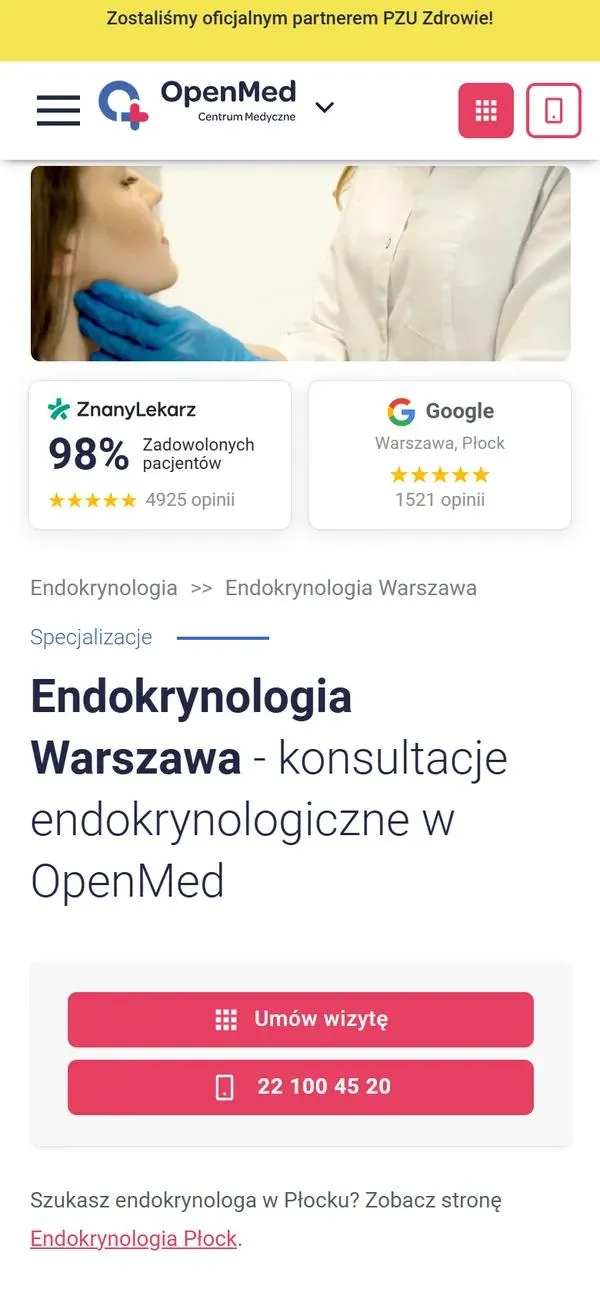
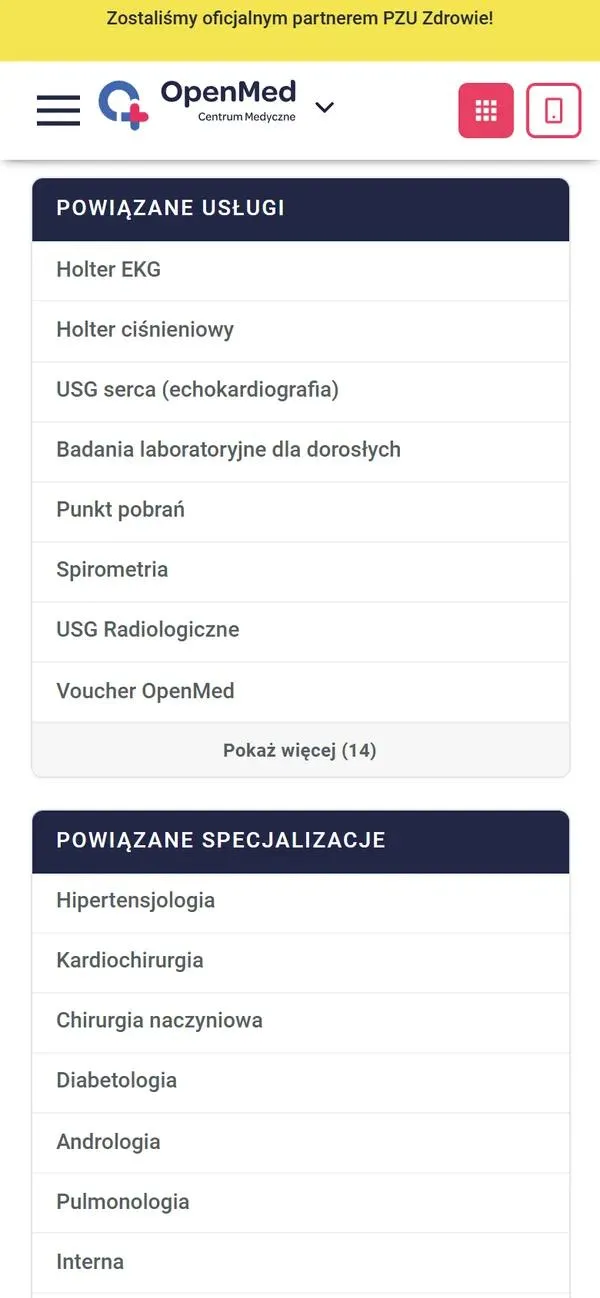
A specialty page, say cardiology, explains what the doctor can help with and when it is worth coming in, so patients can be sure they have found the right specialist. Most pages also show the doctors in that specialty, with related services and articles below the content. Procedures have their own pages too, for example cardiac arrhythmia ablation, so someone looking for a specific procedure lands on its description without searching the site.
News and articles for patients have a permanent home on the site
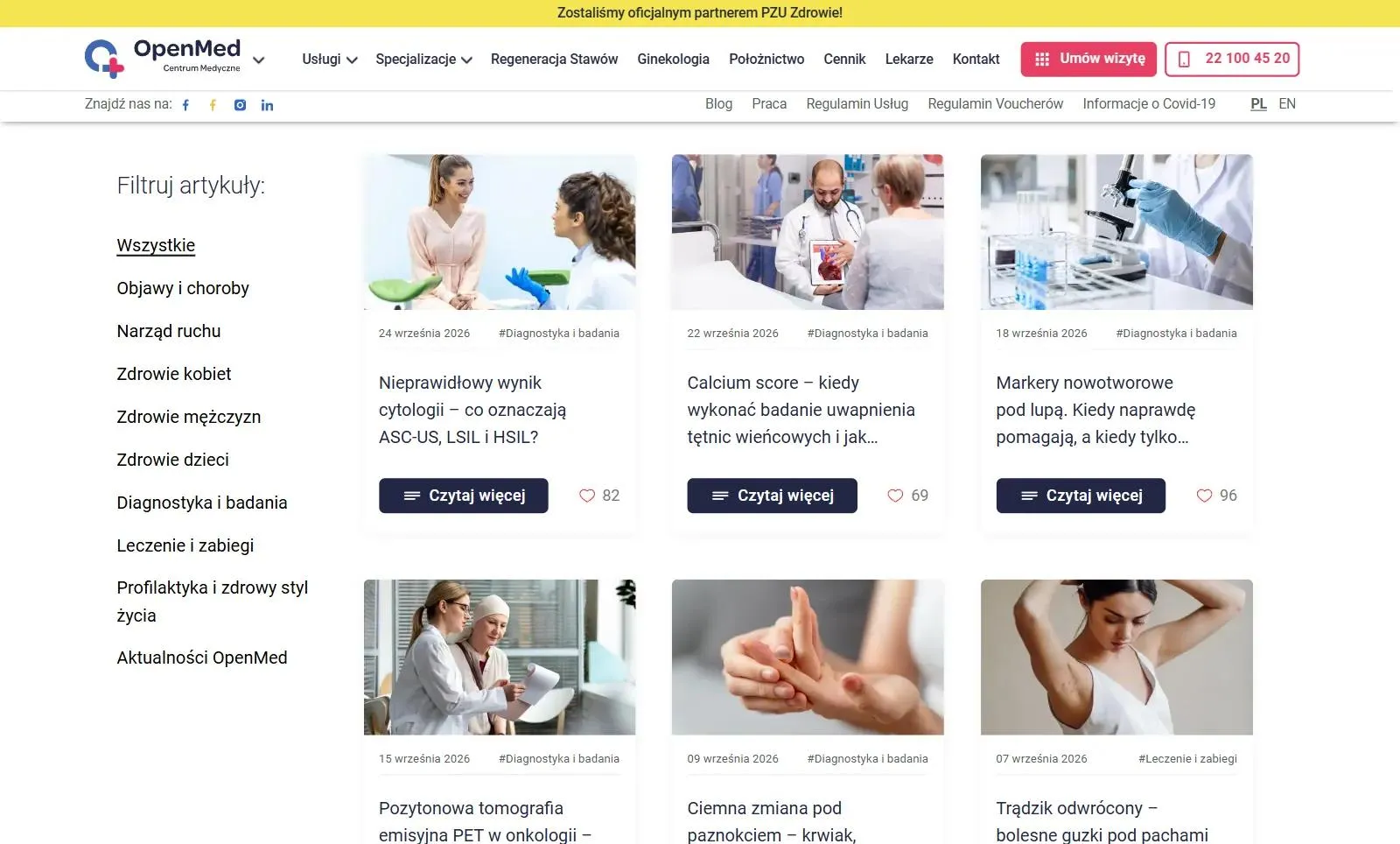
On the blog OpenMed publishes network news and articles for patients, over 200 posts in total. Anyone who lands from Google on an article about symptoms or tests has the same booking button in the header as on every other page. The most important announcements, such as new services, appear in a bar at the top of every page.